The Notepad
A notepad quick enough that opening it never feels like work, with all the engineering that makes it trustworthy kept underneath the interface.
ORIGIN Built for myself, inside my own site. Notes are written into the browser first and meet each other through my own storage — there is no product here and no other people's data in it.
- PROJECT ID
- PROJECT_012
- STATUS
- ACTIVE
- CATEGORY
- Web & Apps / Offline-First / Product Design
- START
- —
- LAST UPDATED
- 27.09.26
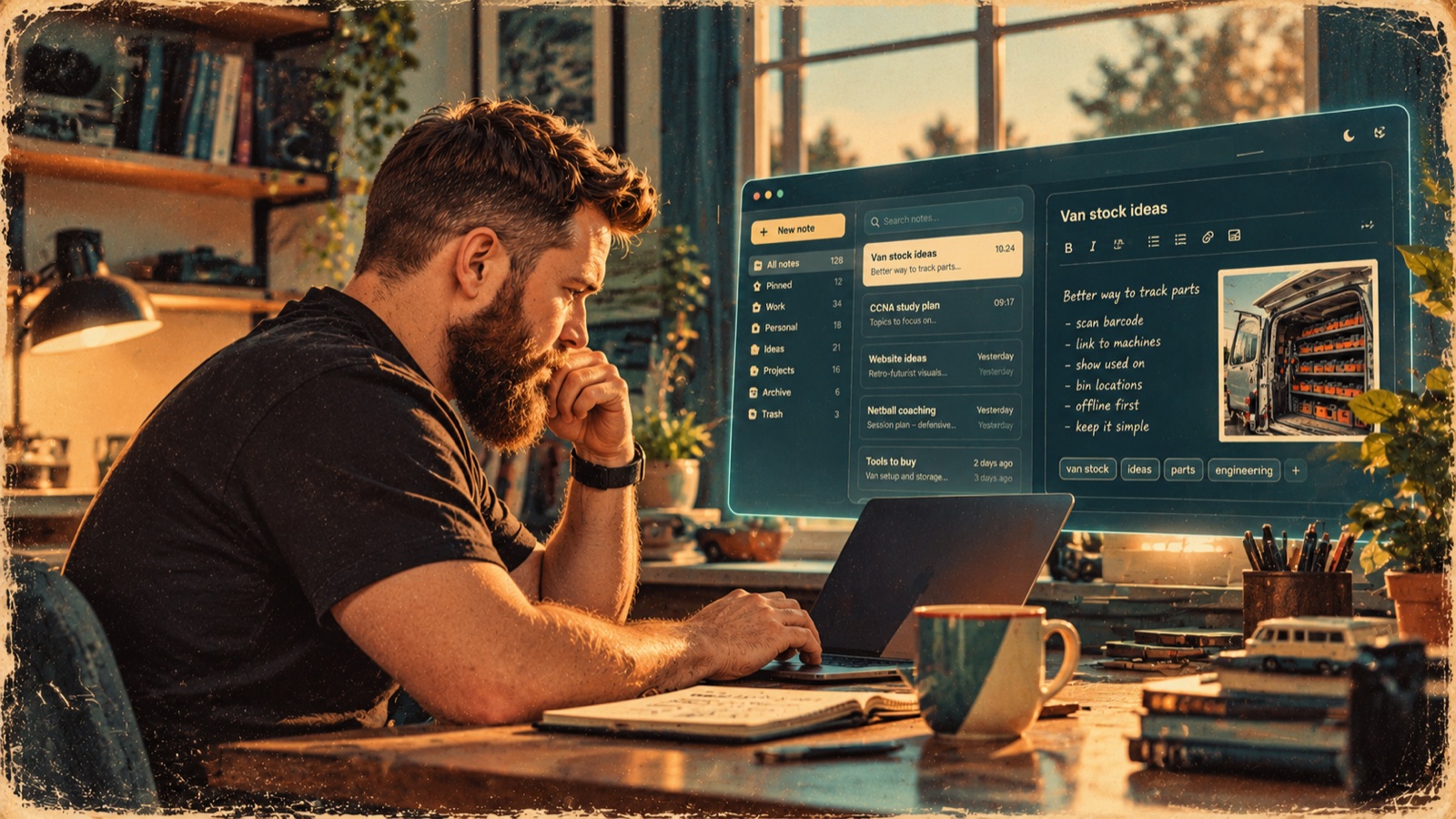
This project started with possibly the least ambitious software requirement imaginable: I need somewhere to write things down.
Not another productivity system.
Not a project-management platform.
Not a complicated second brain with seventeen different ways of categorising a shopping list.
Just a notepad.
Something quick enough that opening it never feels like work.
So I built one.
Then, predictably, I started asking questions.
01
Simple on the Surface
The first version deliberately didn't do much.
There was a list of notes, a search box, a quick-note button and an editor.
Title.
Text.
Tags.
Pin.
Delete.
That was basically it.
And I liked that.
The interesting challenge became keeping that simplicity while making the system underneath it considerably more capable.
Because a notebook is only useful if I can trust it.
02
What Happens When There's No Internet?
I wanted the notebook to work wherever I opened it.
That meant I didn't want every keystroke to depend on a server somewhere responding correctly.
So the application became offline-first.
Notes are stored locally using IndexedDB and synchronised with remote storage when connectivity is available.
That sounds straightforward until two devices edit the same note.
Then things get interesting.
03
Which Version Is the Truth?
Imagine I write something on my laptop.
Later I open the same note on my phone.
One device hasn't synchronised yet.
Both versions change.
Which one wins?
The easy solution is last-write-wins.
The newest save replaces the older one.
It's also a wonderful way of quietly destroying someone's work.
I didn't want that.
The notebook therefore keeps versions and uses compare-and-set behaviour when synchronising changes.
If two edits genuinely conflict, it preserves the conflicting copy rather than pretending one never existed.
It's more engineering than most people will ever know exists underneath a notepad.
04
Then the Notepad Started Growing
Once I trusted the foundation, I started looking at the experience again.
There were obvious things missing.
Folders.
Archive.
Trash instead of immediate deletion.
Formatting.
History.
Better organisation.
Keyboard commands.
Focus mode.
Different themes.
A command palette.
Slash commands.
The challenge was no longer deciding whether I could add those things.
It was deciding whether adding them would make the notebook worse.
That's become one of my favourite parts of the project.
Every feature has to earn its place.
05
The Two-Panel Notebook
On a larger screen, the notebook now behaves more like a proper writing environment.
The index sits beside the current note, making it easy to move between ideas without constantly navigating backwards and forwards.
On a phone, that same index becomes a sheet that stays out of the way until it's needed.
Opening the notebook opens a note.
That's a tiny design decision, but it represents what I'm trying to do with the whole project.
The important thing isn't the notebook interface.
The important thing is whatever I came there to write.
06
Building Things That Talk to Each Other
The notebook also raised a bigger question.
Why should it exist as an isolated application?
My website contains projects, ideas, research and other tools I've built. Quite often something I'm doing elsewhere produces something worth keeping.
So I started building ways for other parts of the site to send information into the notebook.
That changes it from another destination I have to remember to visit into part of the wider environment I'm building for myself.
An idea can begin somewhere else and end up in the notebook.
The notebook becomes less of an application and more of a utility.
07
The Invisible Engineering
There are parts of this project I'm particularly pleased with that will never appear in a screenshot.
Version handling.
Conflict protection.
Offline storage.
Synchronisation.
Deletion tombstones.
Data pruning.
Recovery behaviour.
Tests designed around all the unpleasant little situations that occur when devices, browsers, networks and humans don't behave exactly as expected.
None of that makes the editor prettier.
It makes it trustworthy.
And that matters more.
08
A Deliberately Boring Interface
There is a temptation when building something yourself to keep adding visible features because visible features make a project look impressive.
I'm trying to resist that here.
I don't want the Notepad to demonstrate how much software I can fit onto a screen.
I want it to disappear.
Open it.
Write something.
Find something.
Close it.
The engineering underneath can be complicated.
The experience shouldn't be.
09
The Project Behind the Project
Building the Notepad has become an interesting exercise in restraint.
With some projects, the challenge is figuring out how to build something.
With this one, the challenge is often figuring out what not to build.
Does this feature make writing easier?
Does it make finding something easier?
Does it protect something I've written?
Does it remove friction?
If it doesn't do one of those things, it probably doesn't belong.
What started as somewhere to jot down a few thoughts has become an experiment in offline software, synchronisation, interface design and building tools that respect the person using them.
Which is quite a lot of responsibility for something called Notepad.
But that's also why I like it.
Built from curiosity. Made with purpose.
RELATED WORK
- This WebsitePROJECT_010 · ACTIVE
- CCNA WorkbenchPROJECT_011 · ACTIVE
PART OF
- Web & DigitalWEBSITES AND DIGITAL TOOLS FOR CLUBS, SMALL BUSINESSES AND ME.
- Systems & DataTURNING MESSY OPERATIONS INTO SOMETHING A HUMAN CAN USE.
- Experiments & PrototypesIDEAS BEING TESTED TO FIND OUT WHETHER THEY DESERVE TO EXIST.